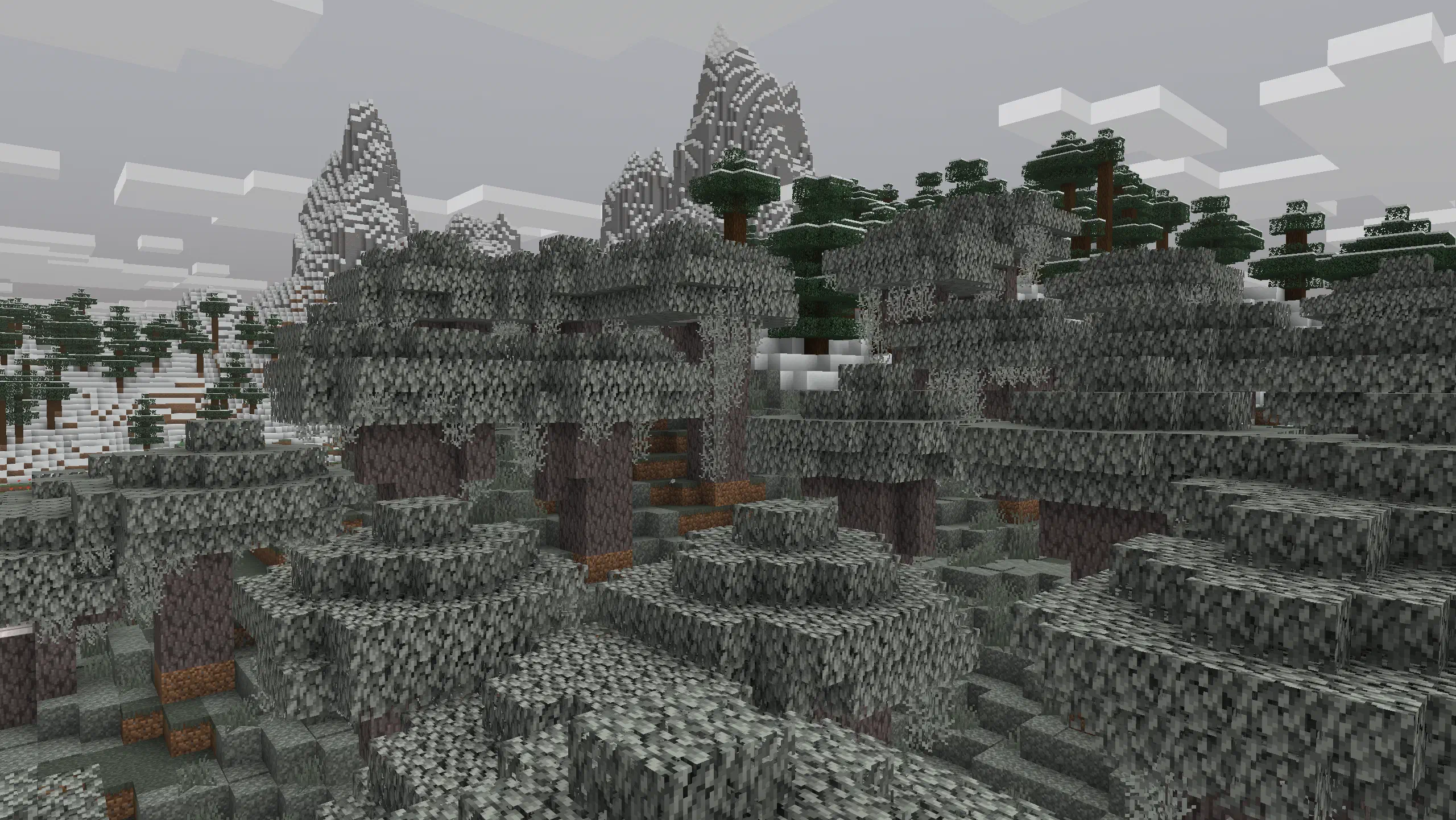
- Before you start: Make sure you’re using a server type that properly supports data packs. Vanilla & Fabric servers should work properly. Plugin-based servers such as Paper, Spigot, etc. typically break important functionality.
- Need alternatives or more explanation? Check out the FAQ entry.
- To really start, download the version of your choice from the Modrinth page.
- Outdated and beta versions may have bugs and cause issues. Use them at your own risk.
- Install the data pack into your server world’s datapacks folder.
- Not sure how? Take a look at the Minecraft Wiki’s tutorial.
- Install the resource pack by setting the
resource-packfield of your server.properties file to the resource pack link of the version you chose in step 1.
To get the direct resource pack link, right-click the download button for the resource pack and copy the link. (Not sure where to find the resource pack?)
Read more about this process on the “Preloaded resource packs” section on the Minecraft Wiki.
Already have a server resource pack? Need to merge multiple resource packs into one? Check out Weld.
If you have any questions, please check the Frequently Asked Questions page.